Connect Linear
Last updated: July 2, 2026
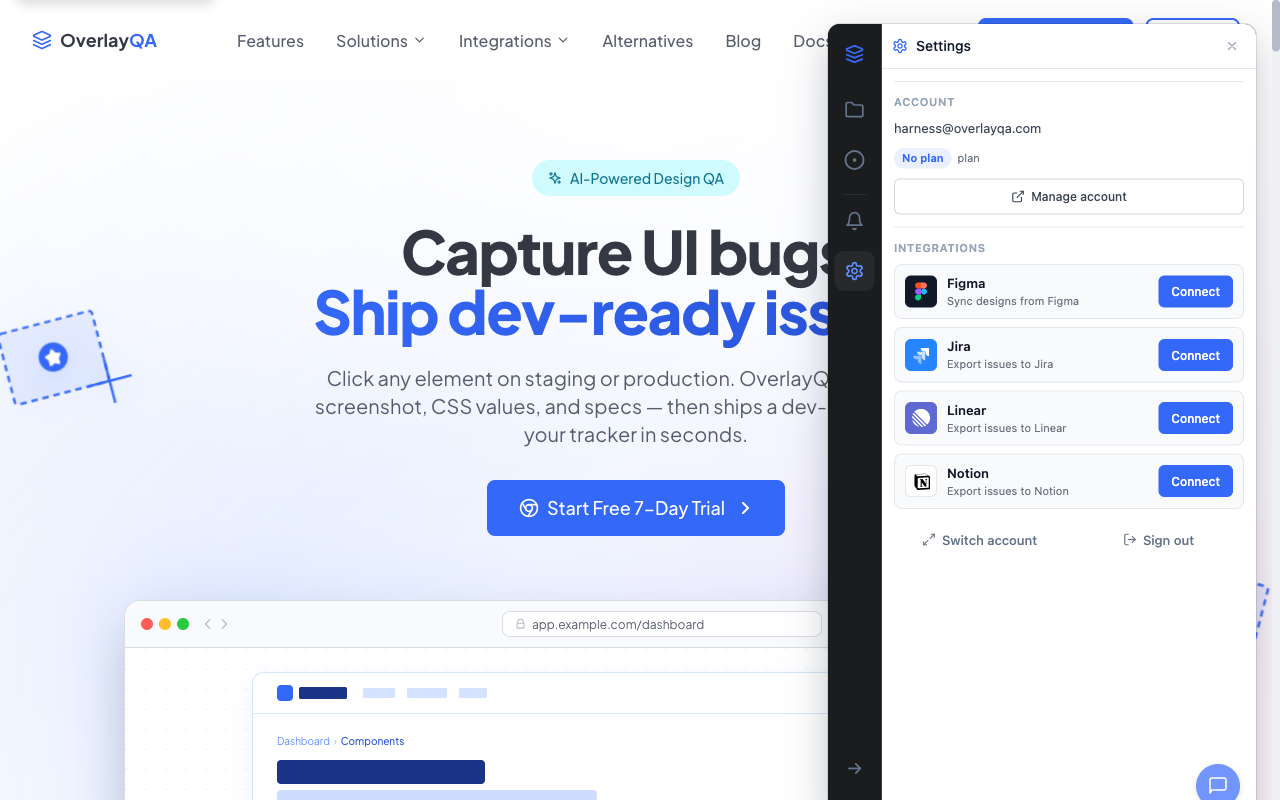
Connecting Linear to OverlayQA lets you export captured issues directly to your Linear workspace. Each exported issue includes screenshots, CSS selectors, computed styles, page URL, viewport size, and browser metadata. OverlayQA is listed in Linear's integrations directory.
Connect Your Linear Account
- In the OverlayQA sidebar, select one or more issues and click Export.
- Choose Linear as the destination.
- Click Connect to Linear in the export modal.
- A Linear authorization page opens in a new tab. Approve access for OverlayQA.
- The export modal auto-updates when the connection is detected (polls for up to 2 minutes).
Tip: You only need to connect once. After the initial OAuth authorization, OverlayQA remembers your Linear connection for all future exports.
Configure Your Export
After connecting, select where issues should land:
| Setting | Details |
|---|---|
| Team | Choose the Linear team for new issues. Auto-selects the first team if you only have one. |
| Project | Optionally select a project within the team. |
| Labels | Optionally select labels to apply to exported issues. |
What Gets Exported
Each exported Linear issue includes:
| Field | Description |
|---|---|
| Title | The issue title from OverlayQA. |
| Description | Markdown description with page URL, Figma link, browser/OS, viewport, element selector, and computed CSS values. |
| Screenshot | Attached as an image. |
| Type and severity | Issue type and severity level from OverlayQA. |
What Is Not Exported
Note: Exports include computed CSS values from the live page only. They do not include expected design spec values. Assignee, labels, and state can be set at export via the per-project field picker.
After Exporting
The results screen shows each issue with a clickable link to the created Linear issue. Issues are marked as exported in the OverlayQA sidebar, and you'll see a warning if you try to re-export the same issue to Linear.
Two-Way Sync
OverlayQA keeps your issues in sync after export. Changes made in Linear automatically reflect in your OverlayQA dashboard:
| What Syncs Back | Details |
|---|---|
| Cycle state | When a developer moves an issue through workflow states (Backlog, In Progress, Done, Canceled), OverlayQA updates to match. |
| Assignee | Issue assignment in Linear reflects in OverlayQA so designers can see who picked it up. |
| Priority | Priority changes in Linear sync back to OverlayQA severity. |
| Comments | Replies added in Linear appear on the OverlayQA issue thread. |
| Labels | Label additions or removals in Linear reflect in OverlayQA. |
Tip: Two-way sync happens via webhooks. There is no polling delay. State changes in Linear appear in OverlayQA within seconds.