Comments and @Mentions
Last updated: October 2, 2026
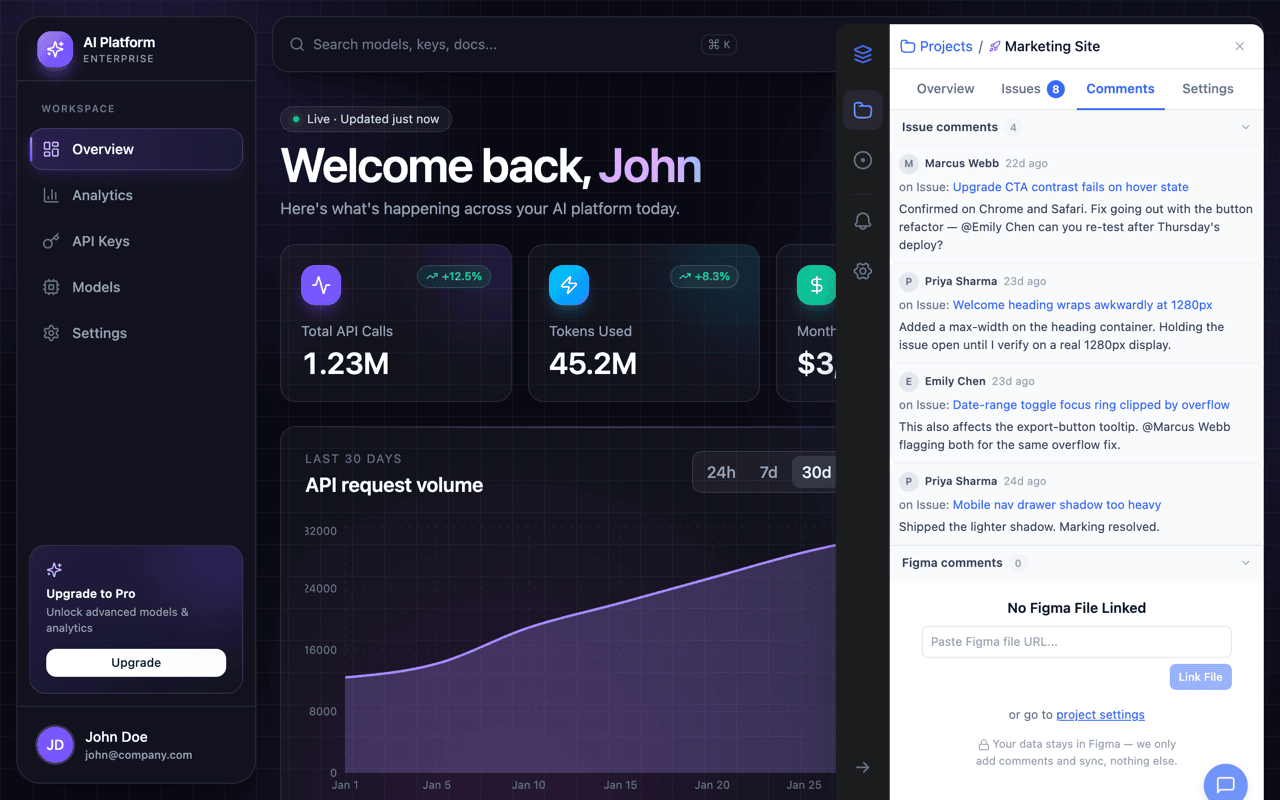
Every issue in OverlayQA has a threaded comment section where your team can discuss findings, ask questions, and coordinate fixes. Comments support @mentions to notify specific teammates and sync in real time across all open tabs.
Add a Comment
- Open any issue in the sidebar or dashboard to see its comment thread.
- Type your message in the Add a comment field at the bottom.
- Press Enter or click the Send button to post.
Comments appear instantly (optimistic UI). If the network request fails, a retry button appears below the comment.
Choose Who Sees a Comment
Under the comment box, Visible to sets the audience for that comment. Team only is the default and keeps the comment inside your team. Team and clients also shows it to anyone reviewing through a client review link. The picker works the same in the dashboard, the extension, and Team Review.
- Each saved comment shows its audience, so you can tell at a glance what a client can read.
- Editing a comment changes its text, never its audience.
- The picker resets to Team only after every comment you send.
Attach Files
Click Add files under the comment box to attach screenshots or documents to a comment. You can preview and remove a file before you post, and a comment can be files only, with no text. Add emoji, next to it, opens an emoji picker that inserts into the comment text; the same two controls appear in the extension's capture editor.
- File types: PNG, JPG, or PDF.
- Limits: up to 10 files and 10 MB total per comment.
- Who can open them: files follow the comment's audience. A Team only comment's files stay with your team.
- Clients too: reviewers on a client review link can attach files to their comments, with no account.
@Mentions
Type @ followed by a teammate's name to mention them. A dropdown appears above the input showing matching team members with their avatars. Select a member by clicking or pressing Enter. Mentioned teammates receive a notification.
- Arrow Up / Arrow Down to navigate the dropdown.
- Enter to select the highlighted member.
- Escape to dismiss the dropdown.
Mentions render as blue chips in the comment thread so they stand out visually.
Edit and Delete
Hover over your own comment to reveal the menu (three dots). Click Edit to modify the text (the field switches to edit mode with the original content), or Delete to remove it. Edited comments show an "(edited)" indicator.
Real-Time Updates
Comments sync in real time using server-sent events (SSE). When a teammate posts, edits, or deletes a comment on the same issue, you see the change immediately without refreshing. If the connection drops, it reconnects automatically and fetches any missed comments.
Figma Comment Sync
When Figma is connected, comments from Figma are merged into the same thread. Figma-origin comments display a purple "Figma" badge so you can tell where each comment came from.
Integration Sync
Comments also sync with connected integrations. Jira, Linear, Notion, Asana, and Trello sync comments back to the OverlayQA issue, and Slack thread replies appear as comments. This keeps the conversation in one place regardless of where your team prefers to work.