Connect Figma
Last updated: September 24, 2026
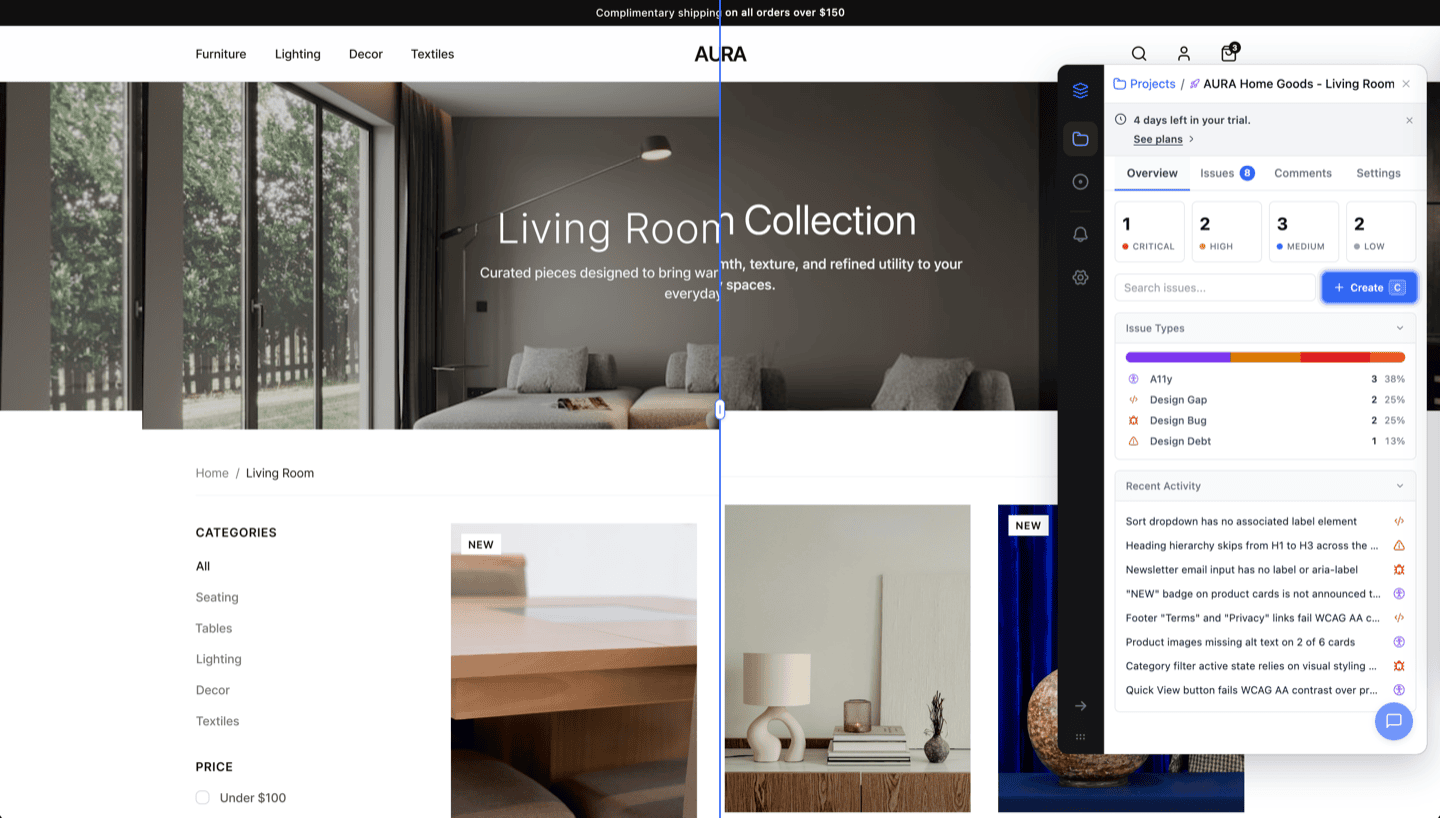
Connecting Figma to OverlayQA lets you compare your live site against design specs using the Visual Comparison workflow. Link a Figma file to any project to select frames, adjust overlays, and run AI-powered diff analysis directly in your browser.
What Figma Integration Enables
- Visual Comparison: overlay Figma frames on live pages to spot design drift.
- Frame linking: associate specific Figma frames with projects for quick access.
- Design context in issues: issues include a link to the relevant Figma frame.
- Design embed on issue pages: dashboard issue pages show the linked Figma file with a page selector and its comments.
Prerequisites
Note: You need a Figma account with view access to the design file you want to compare against. OverlayQA reads frames from the file but does not modify your designs.
Connect Your Figma Account
You can connect from the dashboard or the extension. Connecting once covers both: the connection is stored on your OverlayQA account, so connecting in the dashboard also connects the extension, and vice versa.
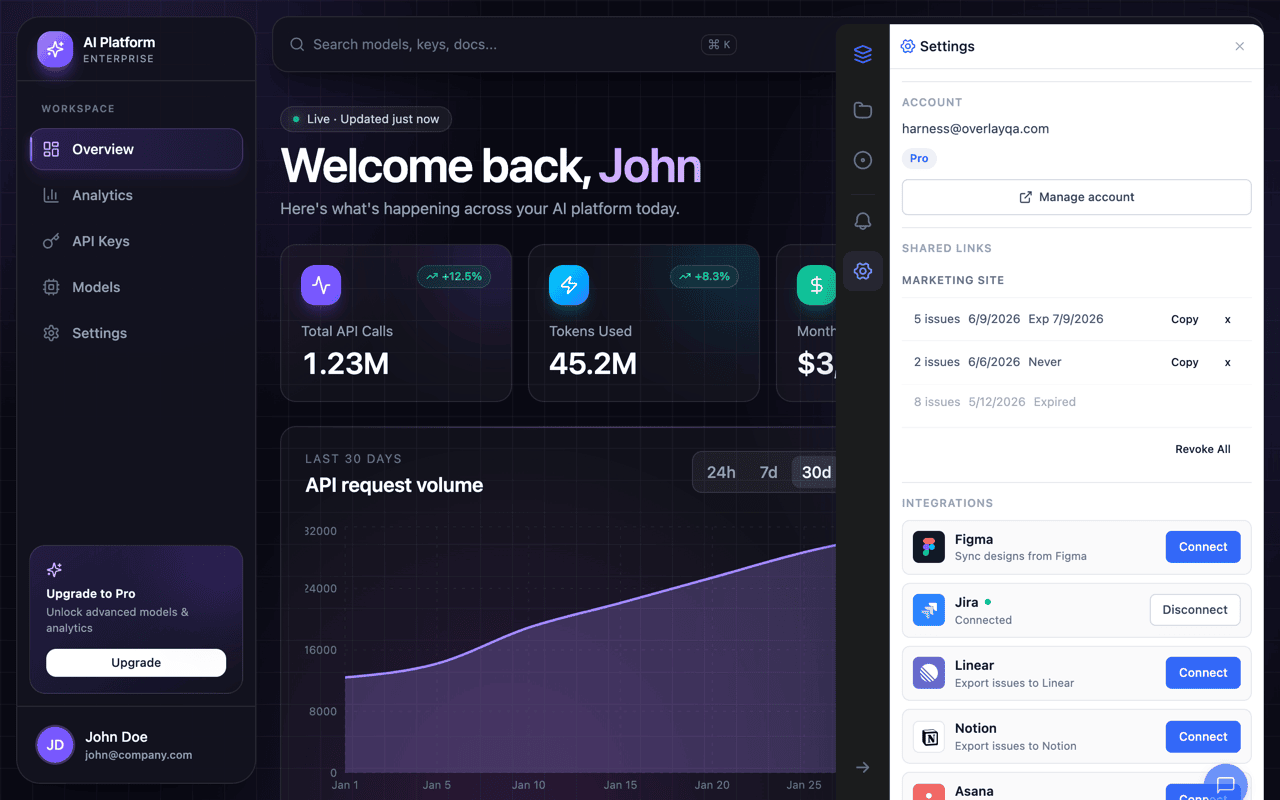
- From the dashboard: open Settings at app.overlayqa.com, find the Integrations section, and click Connect on the Figma card. A Figma authorization popup opens; approve access and the card shows "Connected".
- From the extension: open the OverlayQA sidebar on any page, go to Settings, find the Integrations section, and click Connect next to Figma. Approve access on the Figma authorization page; you'll see a green indicator and "Connected" status.
Link a Figma File to Your Project
- In the dashboard: edit the project from the Projects page and paste your Figma file URL into the Figma files field.
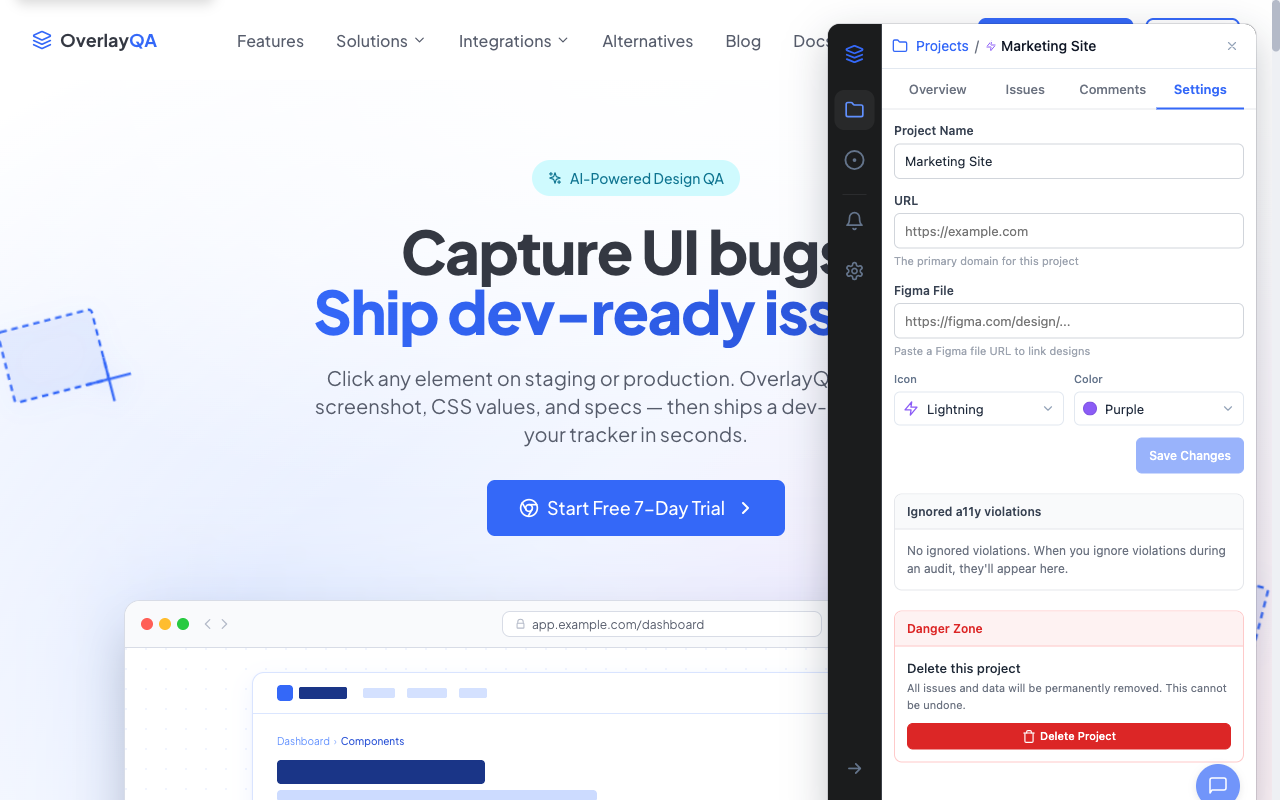
- In the extension: open Project Settings in the sidebar, find the Figma File input field, paste your Figma file URL (e.g.,
https://figma.com/design/...), and click Save changes.
OverlayQA extracts the file key from the URL and stores it with your project. If the URL is invalid, you'll see an error: "Invalid Figma URL. Paste a link like figma.com/design/..."
A project can link more than one Figma file, which helps when several designers keep their own files. Each file you paste is added to the list (Linked Figma files in the extension, Figma files in the dashboard). Mark one as Default to choose which file opens first, or Unlink a file you no longer need. When a project has two or more files, the Visual Comparison and AI Visual Comparison frame pickers let you switch between them, in the extension and in Team Review. Pasting a link to a specific Figma frame opens the picker on that frame.
Verify the Connection
After linking a file, open the Workflows menu and select Visual Comparison. The frame picker should load with thumbnails of your Figma file's top-level frames. If frames appear, your connection is working.
Troubleshooting
| Problem | Solution |
|---|---|
| Frame picker shows "No frames found" | Make sure the Figma file has top-level frames (not just nested layers). Check that you have view access to the file. |
| "Invalid Figma URL" error | Paste the full URL from your browser address bar when viewing the file in Figma. It should start with figma.com/design/ or figma.com/file/. |
| Connection times out | Check your browser's popup blocker. The Figma authorization page may have been blocked. Try again and allow the popup. |
Comment Sync
Comments on a linked Figma file sync into OverlayQA, and what your team writes in OverlayQA posts back to the Figma thread:
- Figma comments in OverlayQA: Comments on the linked file appear in the project's Comments tab in the extension and on dashboard issue pages.
- Replies post back: Reply from OverlayQA and the reply lands on the Figma comment thread.
- Comment from an issue: On a dashboard issue page with a linked Figma file, comments you add in the Figma panel post to the Figma file, so designers see feedback without leaving Figma.
Tip: Comment sync keeps designers and developers aligned without requiring either team to switch tools. The conversation lives in both places.
Next Steps
With Figma connected, you can run Visual Comparisons to compare your live site against design specs.